
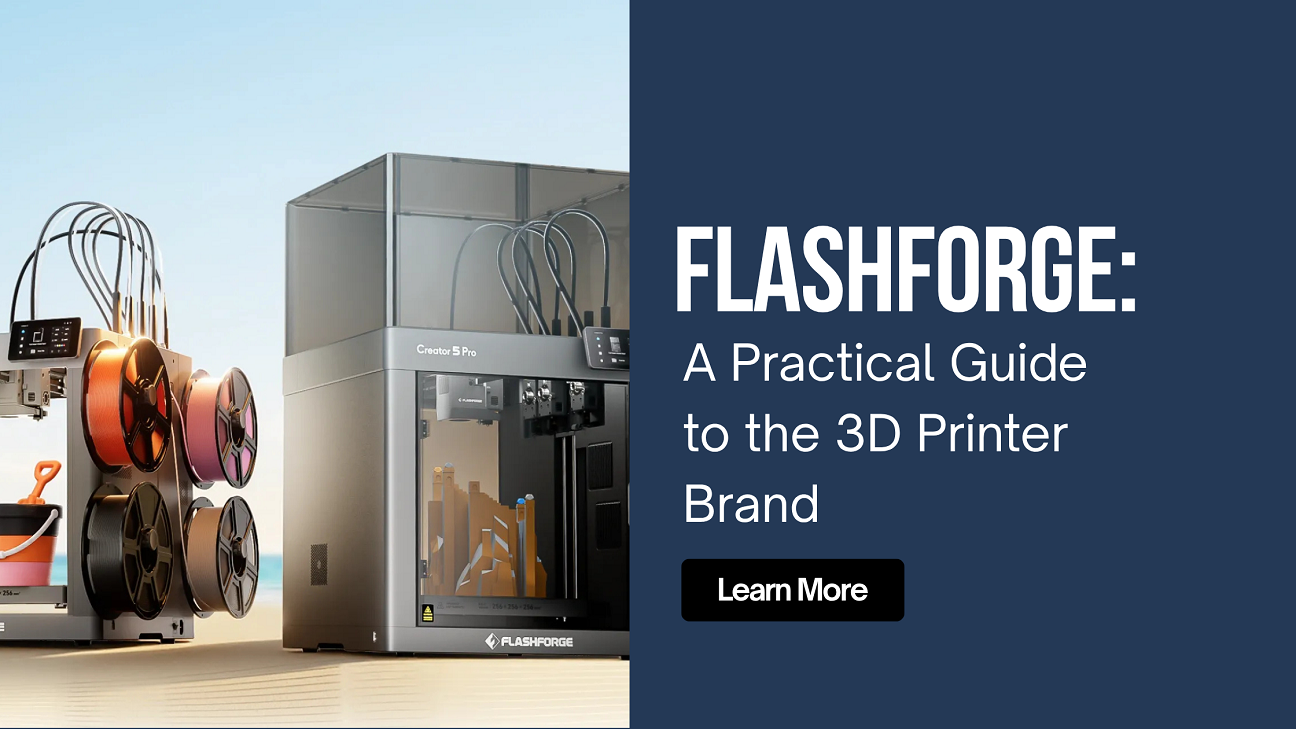
If you have searched for Flashforge, you are likely looking for a clear overview of the company, the types of 3D printers it offers, and which models may suit different users. This guide covers the brand’s background, main product lines, common use cases, and where to find current information for buyers in the United States.
Flashforge is a 3D printing company founded in 2011 and based in Zhejiang, China. It develops and manufactures FDM (filament), resin, and specialized wax printers for hobbyists, educators, small businesses, and industrial users. The brand emphasizes reliability, accessibility, and a range of options from compact desktop machines to more advanced systems. Its official site is https://www.flashforge.com/.
Company Background
Flashforge began as one of the earlier Chinese manufacturers focused specifically on 3D printing equipment and materials. Over time it expanded from consumer-oriented desktop printers into professional and industrial lines. The company produces its own slicer software (historically FlashPrint, with newer optimized versions available) and a selection of filaments and resins.
Products reach users in many countries, including a dedicated presence for the U.S. market through official channels and partners. The brand positions itself around practical, user-friendly machines that balance cost and capability rather than competing solely at the highest price or performance tier.
Main Product Lines
Flashforge organizes its printers into several series that target different needs. Popular and frequently searched models include the following categories.
Adventurer Series
The Adventurer line is aimed at beginners, educators, and hobbyists who want relatively compact, enclosed or semi-enclosed FDM printers with straightforward operation. Models such as the Adventurer 3, Adventurer 3 Pro, Adventurer 3 Lite, Adventurer 4, and later Adventurer 5M / 5M Pro appear often in searches. These printers typically feature heated beds, touchscreen interfaces, and support for common materials like PLA, PETG, and some engineering filaments depending on the exact model. Many include features such as filament run-out detection and remote monitoring options on higher variants.
Creator Series
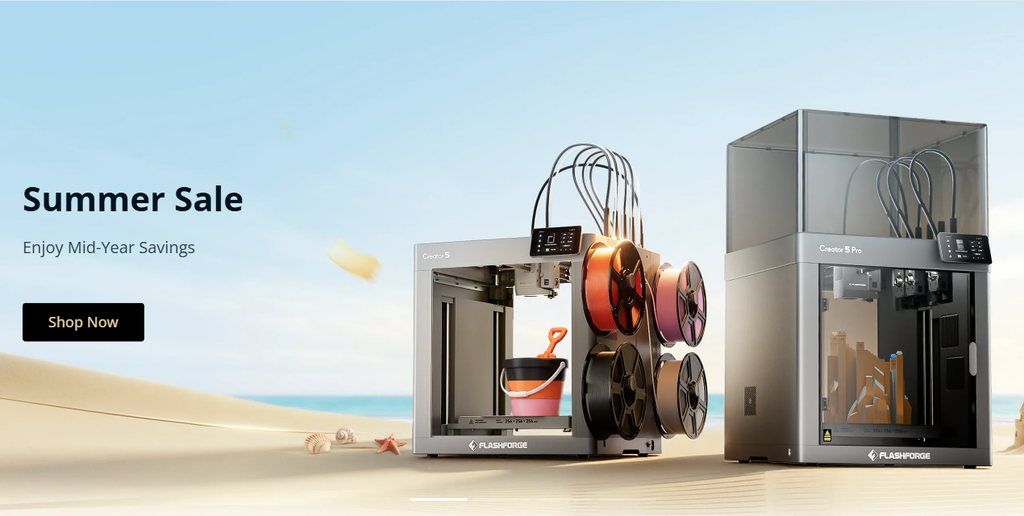
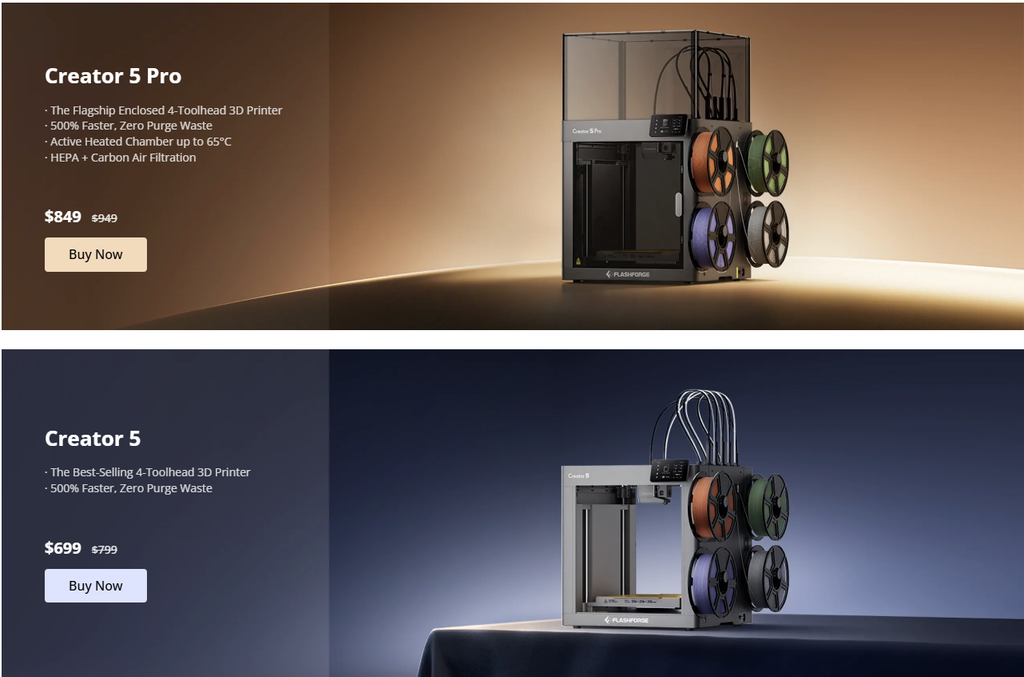
The Creator line is generally more advanced. Models like the Creator Pro, Creator Pro 2, Creator 3, Creator 3 Pro, and newer Creator 5 / Creator 5 Pro offer dual extrusion or tool-changing capabilities in some versions, larger build volumes, and support for a wider range of materials. These printers are often chosen by users who need multi-material printing or higher reliability for small-batch work.
Guider Series
The Guider series targets professional and light industrial use. Models such as the Guider 2, Guider 2S, Guider 3, and Guider 3 Plus provide larger build volumes, enclosed chambers, and capabilities suited to longer or more demanding prints. They are commonly used in education labs, design studios, and small production environments.
Other Notable Lines
- Finder series: Compact entry-level options.
- Dreamer and Inventor series: Earlier dual-extrusion models still referenced by long-time users.
- Foto series: Resin (LCD/DLP-style) printers for higher-detail applications.
- Specialized systems such as the WaxJet series for jewelry and casting work.
Exact specifications (build volume, maximum temperature, speed, supported materials) vary by model and firmware version. Always check the current product page on the official site for the latest details.
Who Flashforge Printers Suit
Different series match different users:
- Beginners and hobbyists often start with Adventurer models because of simpler setup and lower price points.
- Educators and schools frequently choose enclosed Adventurer or Guider machines for classroom safety and reliability.
- Makers who need multi-material or dual-extrusion capability look at Creator models.
- Small businesses and professionals may prefer Guider or higher-end Creator systems for larger parts or more consistent output.
- Users needing high-detail resin prints consider the Foto line.
As with any 3D printer, results depend on proper setup, filament quality, slicing settings, and maintenance. Flashforge printers support common open materials in many cases, though proprietary or recommended filaments can simplify profiles.
Software and Ecosystem
Flashforge provides its own slicing software, historically FlashPrint, with newer optimized versions available for recent models. Many users also run popular third-party slicers such as Cura or Orca Slicer after installing appropriate profiles. Connectivity options on modern machines typically include USB, Wi-Fi, and Ethernet, with some models offering remote monitoring via camera or mobile app.
The company also sells filaments (PLA, ABS, PETG, composite materials, and others) and accessories such as build plates, nozzles, and enclosures.
Buying Considerations for U.S. Users
When evaluating a Flashforge printer:
- Identify your primary use (learning, education, prototyping, multi-material, or production).
- Compare build volume, enclosure presence, and maximum nozzle/bed temperatures against the materials you plan to print.
- Check current software compatibility and available profiles.
- Review warranty, spare-parts availability, and support channels.
- Confirm shipping, return policy, and local voltage requirements if buying directly.
The official website https://www.flashforge.com/ lists current models, filaments, accessories, software downloads, and support resources. Authorized retailers and Amazon also carry many models, but purchasing through official or authorized channels helps ensure warranty coverage.
Frequently Asked Questions
Is Flashforge a good brand for beginners?
Many entry-level Adventurer models are designed with beginners in mind, featuring enclosed designs, touchscreens, and relatively simple setup. Success still depends on following setup guides and learning basic slicing and maintenance.
What is the difference between Adventurer and Creator series?
Adventurer models are generally more compact and beginner-oriented. Creator models tend to offer larger volumes, dual extrusion or tool-changing options, and greater material flexibility.
Can Flashforge printers use third-party filament?
Most FDM models support standard PLA, PETG, and other common filaments. Some advanced materials may require specific temperature or nozzle capabilities—always verify against the model’s specifications.
Does Flashforge offer resin printers?
Yes. The Foto series includes LCD/DLP-style resin printers for higher-detail applications.
Where can I download software and manuals?
The official Flashforge website provides software downloads, firmware, and user manuals for current and many older models.
Summary
Flashforge offers a broad range of 3D printers spanning entry-level desktop machines to more advanced professional systems. The Adventurer series serves beginners and educators well, the Creator line provides multi-material and higher-capability options, and the Guider series targets professional and small-production needs. Resin and specialized wax printers expand the lineup further.
For the most accurate specifications, current pricing, software, and support information, visit the official website https://www.flashforge.com/. Matching the right model to your skill level, materials, and intended use remains the most important step in successful 3D printing.



Leave feedback about this